Classic
The main game. Play for your best score; your top 10 games go on the Rank screen.
Merrifruit: Fruit Merge · Android
A calm fruit game with real physics. Two of the same fruit join into a bigger one, but fruit ripens, then rots, and the seasons change the basket. Play offline, with the whole game in English and বাংলা and no account needed.

Real play, drawn by the game itself.
The Play Store preview: real play on a phone, with the game’s own sounds.
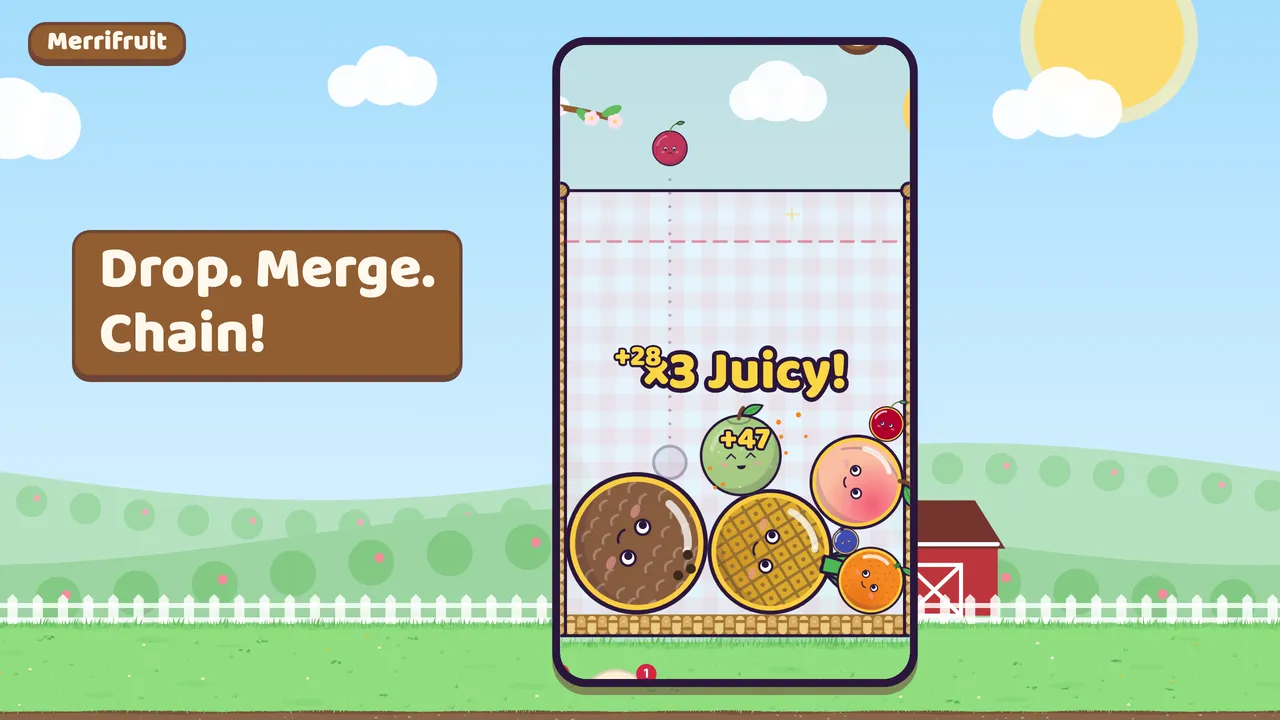 Play the preview · 0:53
Pico the macaw teaches the first game, and Settings keeps a short how-to-play page.
 1
1Move the fruit along the top of the basket and let go. It falls with real weight, rolls and settles. You always see the next fruit.
 2
2Two of the same fruit touch and join into the next, bigger one. Quick merges chain into a combo, and each one scores a little more.
 3
3There are eleven sizes. Make the eleventh and the five smallest leave to give you room; two of the biggest merge away for 500 points.
 4
4Fruit above the top line starts a three-second warning. The first time it runs out, a friend takes small fruits away; the next time, the game is over.
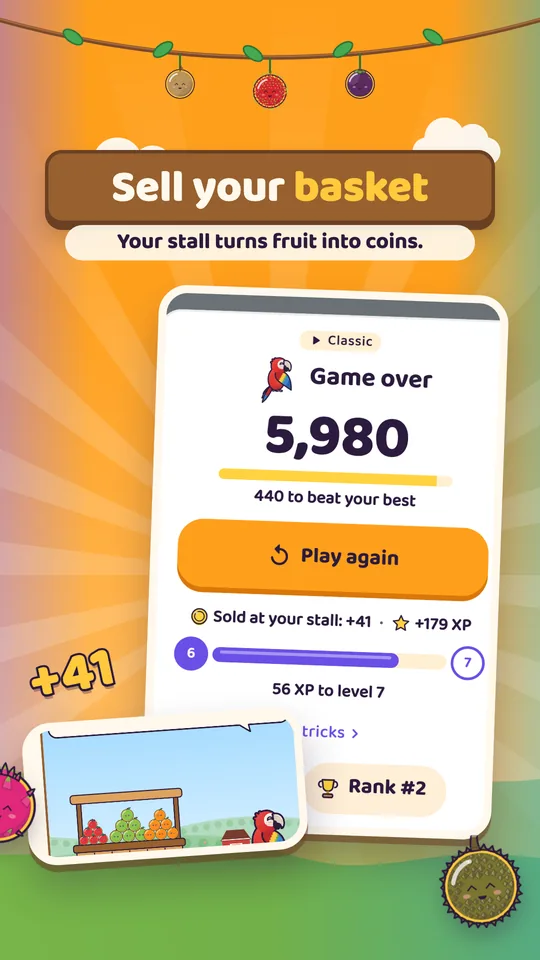
When a game ends, the fruit left in the basket is sold at your own fruit stall for coins. More of the game opens as your level goes up: Hold, seasons, rotten fruit, specials and the shop join one at a time.
Each fruit you drop makes every fruit already in the basket a little older, once it lands, so the fruit you aim at is still the one you hit. You see it on the fruit itself: no numbers, no timers.
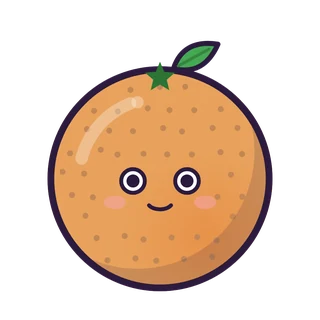
A new fruit is a little pale. Its colour fills in drop by drop.
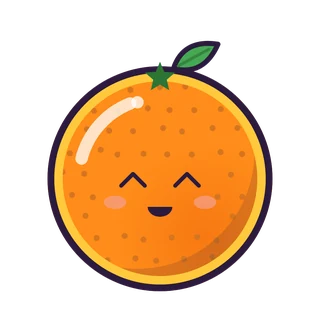
Full colour and a thin gold rim. A merge with one ripe fruit scores ×1.5, with two ×2, and ripe fruit sells for double.
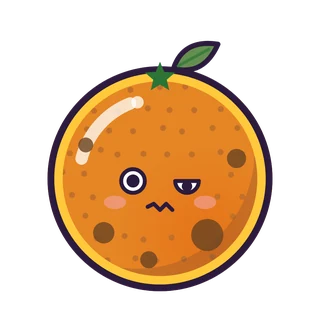
Rot is coming. The fruit is still ripe and still merges. Merge it now for a Fresh save!
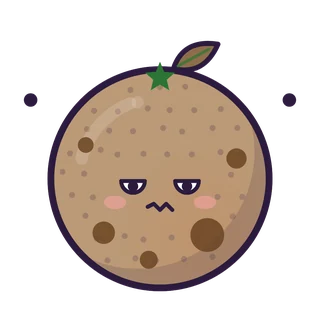
A grey puff rises as it turns. It does not merge any more, shrinks with every drop and sells for nothing.
Push two rotten fruits together and both turn to ash: +5. A harvest basket or the knife clears rotten fruit too.
Only the five smallest sizes can rot; a big fruit does not. Ripe fruit is there from the first game. Rot starts at level 7 in Classic, is always on in the Daily challenge, and is off in Zen.
One basket: Classic, the Daily challenge and Zen.
The main game. Play for your best score; your top 10 games go on the Rank screen.
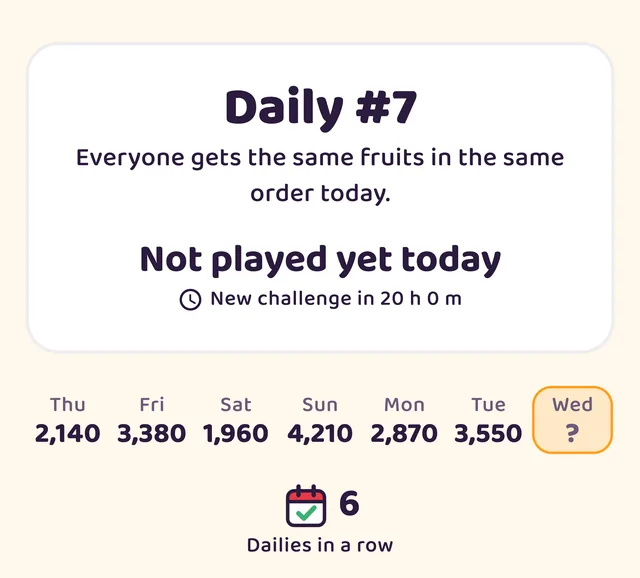
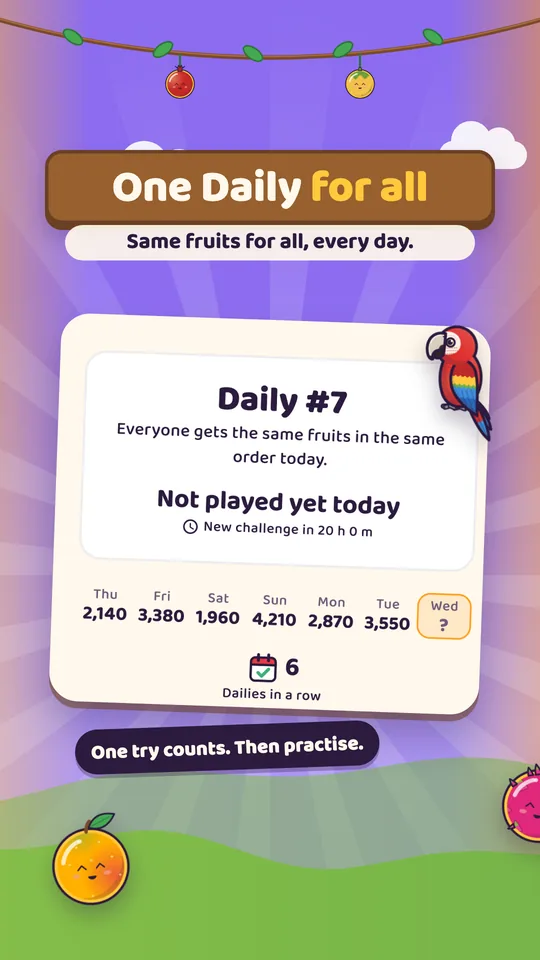
Everyone gets the same fruits in the same order that day. One try counts; after it, practise as much as you like.
No game over, no rot, and the friend comes every time. After 20 drops, tap End to sell your basket. Half the coins and half the XP, from the score alone.

| Rule | Classic | Daily | Zen |
|---|---|---|---|
| Opens at | The start | Level 9 | Level 3 |
| Fruit order | Random | The day’s order, the same for everyone | Random |
| Ripe fruit | Yes | Yes | Yes |
| Rot and ash | From level 7 | Always | Off |
| Seasons | From level 3 | Always | As in Classic |
| Hold | From level 2 | Always | As in Classic |
| Vine, harvest basket | From level 6, level 8 | Always | As in Classic |
| Knife, shake | From level 4, level 5; up to two of each a game | Off | Free; a used one grows back in 25 drops |
| The friend’s rescue | Once a game | Once a game | Every time |
| Game over | Yes | Yes | No: tap End to sell, after 20 drops |
| XP and coins | Full | Full for the counted try, half in practice | Half; XP from the score |
| Tries | Any number | One that counts, then practice | Any number |
| The theme’s fruit feel | On | Off | On |
The day’s fruits come in one order for everyone. Every rule is on; the knife, the shake and each theme’s fruit feel are off.
Nothing here can be bought with money, and all of it is kept on your phone, and in your cloud save too if you sign in to Google Play Games.
 In the basket
 Around the game
 Friends and feel
A theme changes the scene, the basket, the fruits and the friend who saves you. Everyone starts in Sunny Orchard.
A summer picnic on a sunny farm: fruit trees, a red barn, your wooden stall, and in a game, apple blossom over a straw basket.
When the basket overflows, a butterfly comes to help.
Yours from the start.
 BlueberryCherry
 Strawberry
 LemonOrange
 Apple
Apple PeachMangoPineapple
 CoconutWatermelon
A village in Bangladesh: a bamboo tea-stall, paddy fields, palm trees, flying egrets. In a game, a paper kite over a cane basket with rickshaw-art and nakshi-kantha stitching. Here the monsoon is a Kalbaishakhi storm.
When the basket overflows, a squirrel comes to help.
Opens at level 10.
 Java plum
 Lychee
 Jujube
 Wax apple
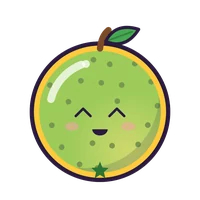 Guava
Guava Mango
Mango Pomegranate
 Pineapple
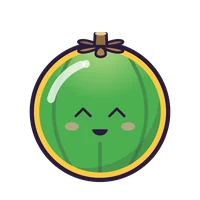 Green coconut
 PapayaJackfruit
A floating market in Thailand. Boats on the canal, houses on stilts and garlands of marigold, and eleven fruits of Thailand.
When the basket overflows, a elephant comes to help.
Opens at level 20.
 Longan
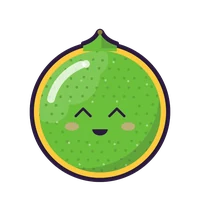 Thai lime
 Rambutan
 Longkong
 Mangosteen
 SalakDragon fruit
 Mango
Mango Young coconut
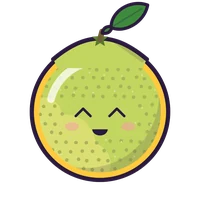 Pomelo
 Durian
The pictures Google Play shows, in its order. Every screen inside them is the real game.
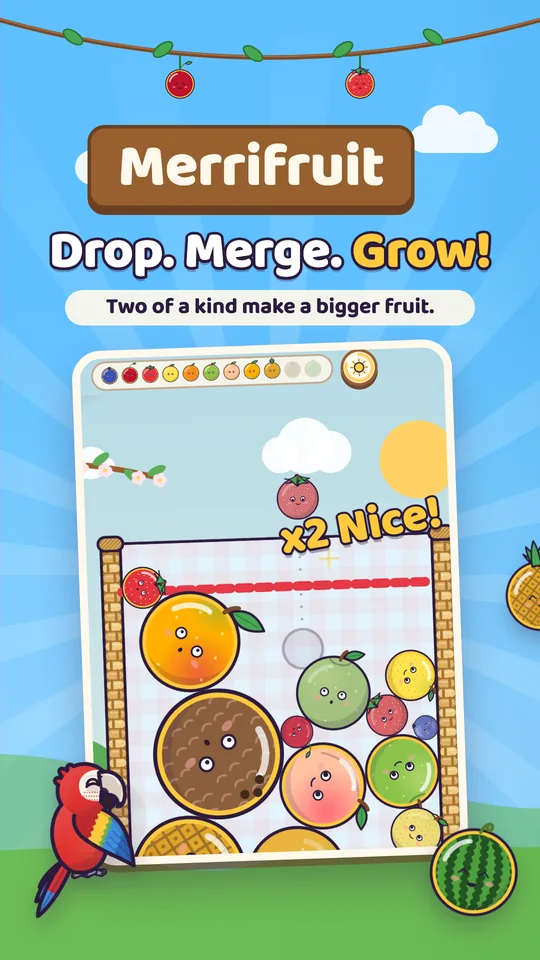
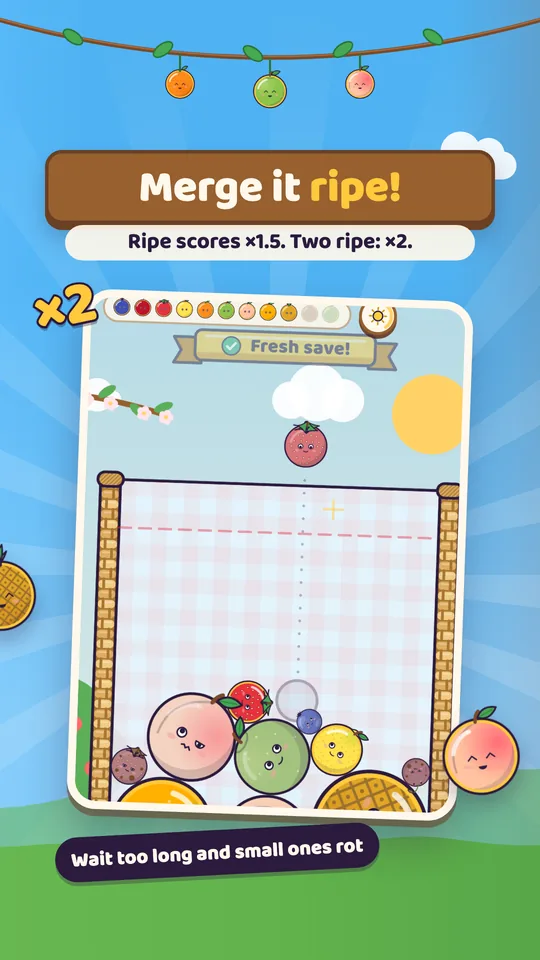
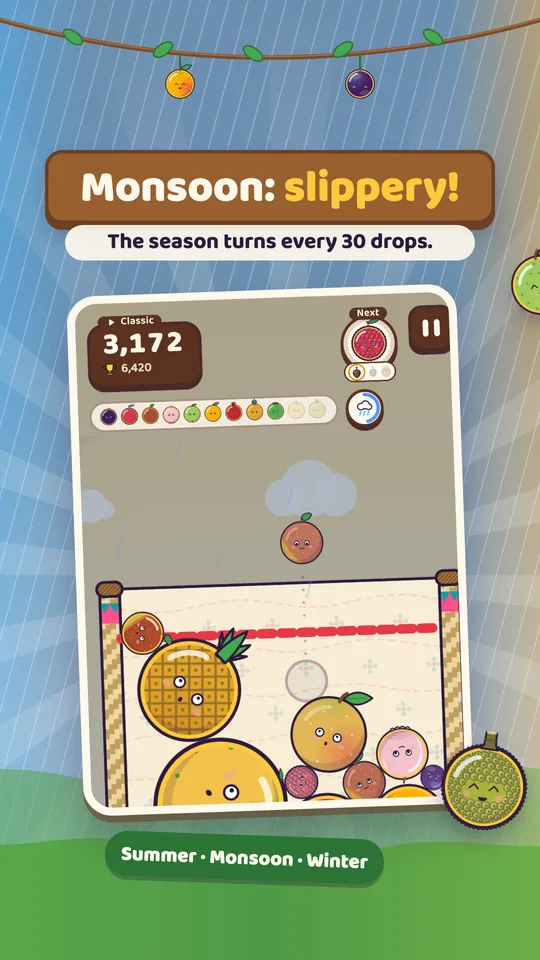
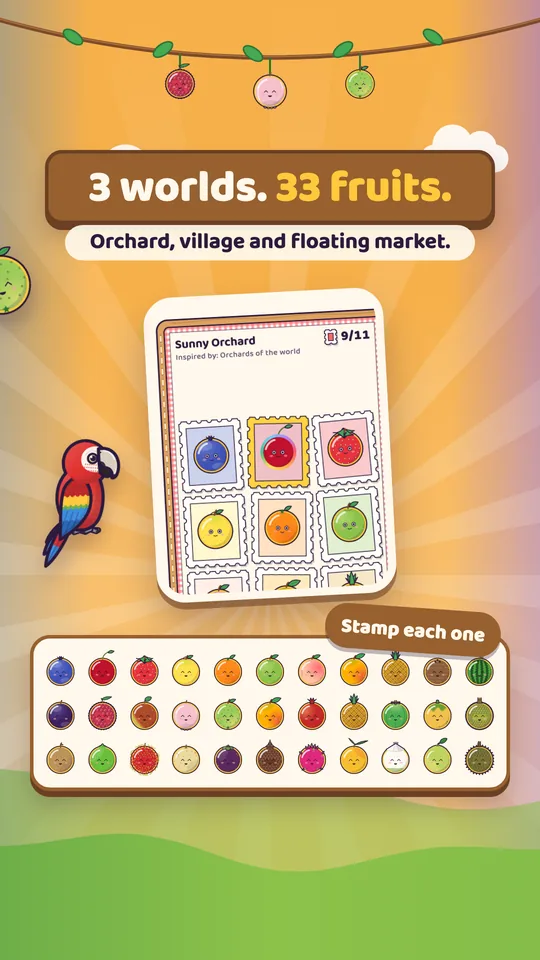
Your level, coins and scores are saved on your phone. If you sign in to Google Play Games, Google keeps your scores, achievements and cloud save. The privacy policy says what this version stores.
Yes, and nothing in it can be bought with money. Coins are earned by playing and spent in the game’s own shop.
On Google Play. It is for Android only.
Yes, all of it: every mode works with no connection. Google Play Games goes online only if you sign in. Google Play also checks for a newer version and shows its rating card.
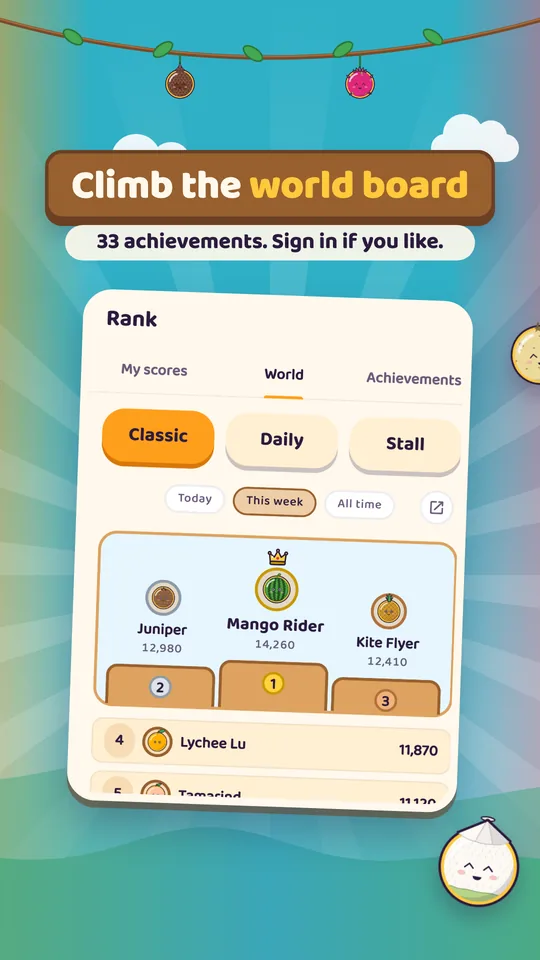
No. The game has no account of its own. You can sign in to Google Play Games for the world leaderboards, 33 achievements and a cloud save, but you do not have to. Your progress is saved on your phone.
No. The game is saved as you play and whenever you leave the app. Home shows Continue, and one tap goes on.
Yes. Colour-blind mode shows the size number on every fruit, Reduce motion turns off shaking and flashes, and left-handed mode moves Hold and the tools.
Yes, the whole game, not just a menu. It follows your phone’s language, and you can also pick English or বাংলা in Settings.
Sold at your own fruit stall when the game ends: bigger for more, ripe for double, Shiny for five times, rotten for nothing.